Love My Weight

Cue Design: visual, auditory, and spatial prompts that work

Making sure people get what you’re trying to tell them is a big deal, right? Whether you’re teaching someone a new skill, giving directions, or just trying to get a point across, the way you signal things matters. This is where cue design comes in. It’s all about using different kinds of prompts – things you see, hear, or even feel – to make sure your message lands clearly. We’re going to look at how to make these cues work for you, so whatever you’re communicating is easier to understand and remember.

Key Takeaways

  • Good cue design helps people understand what’s coming next and makes things clearer. It’s about being consistent with your signals.
  • Visual cues, like bright spots or clear text, can grab attention and guide the eye. Think about using arrows or highlighting things.
  • Sound cues can direct attention, especially in busy environments. Spatial audio can even give a sense of direction, though it has limits.
  • Using touch or objects as cues can be very direct, especially for people who learn differently. Hand-under-hand support is a gentle way to guide someone.
  • The best cue design doesn’t overwhelm people. It should help them learn and eventually do things on their own, fading out as they get the hang of it.

Foundations of Effective Cue Design

Getting started with designing cues means understanding what they really do and why they matter. Think of cues as little helpers, guiding people through tasks or information without overwhelming them. They’re not just random signals; they’re carefully planned prompts that make things clearer and easier to grasp.

Understanding the Role of Cues

At their core, cues are signals that point people toward important information or actions. They help direct attention, which is a big deal when you’re trying to learn something new or perform a task, especially if there’s a lot going on. Without good cues, people might get lost, miss key details, or just feel confused. The main job of a cue is to make the important stuff stand out. This can be anything from a visual highlight on a screen to a specific sound that means it’s time to switch activities.

The Power of Anticipation and Clarity

Effective cues do more than just point; they help people anticipate what’s coming next. When you know what to expect, you can prepare yourself, which makes the whole experience smoother. This anticipation reduces surprise and anxiety. Clarity is also key. A cue should be easy to understand. If people have to guess what a cue means, it defeats the purpose. For example, a simple arrow pointing to a button is clear. A complex symbol that no one recognizes isn’t. The goal is to reduce the mental effort needed to figure things out.

Consistency as a Cornerstone

One of the most important things about cues is using them consistently. If a certain sound always means "stop," it should always mean "stop." If a color highlights important text, it should always do that. When cues are consistent, people learn their meaning quickly and can rely on them. Inconsistent cues are confusing and can even be counterproductive. Imagine if a red light sometimes meant "go" – chaos! This reliability builds trust and makes the system predictable.

Here’s a quick look at why consistency matters:

  • Builds Habit: Consistent cues help form reliable habits and expectations.
  • Reduces Learning Curve: People don’t have to re-learn what a cue means each time.
  • Increases Predictability: Knowing what to expect makes tasks feel safer and more manageable.

When designing cues, always think about the person who will be using them. What do they already know? What might confuse them? Keeping the user’s perspective front and center is the best way to create prompts that actually help.

Visual Cues for Enhanced Understanding

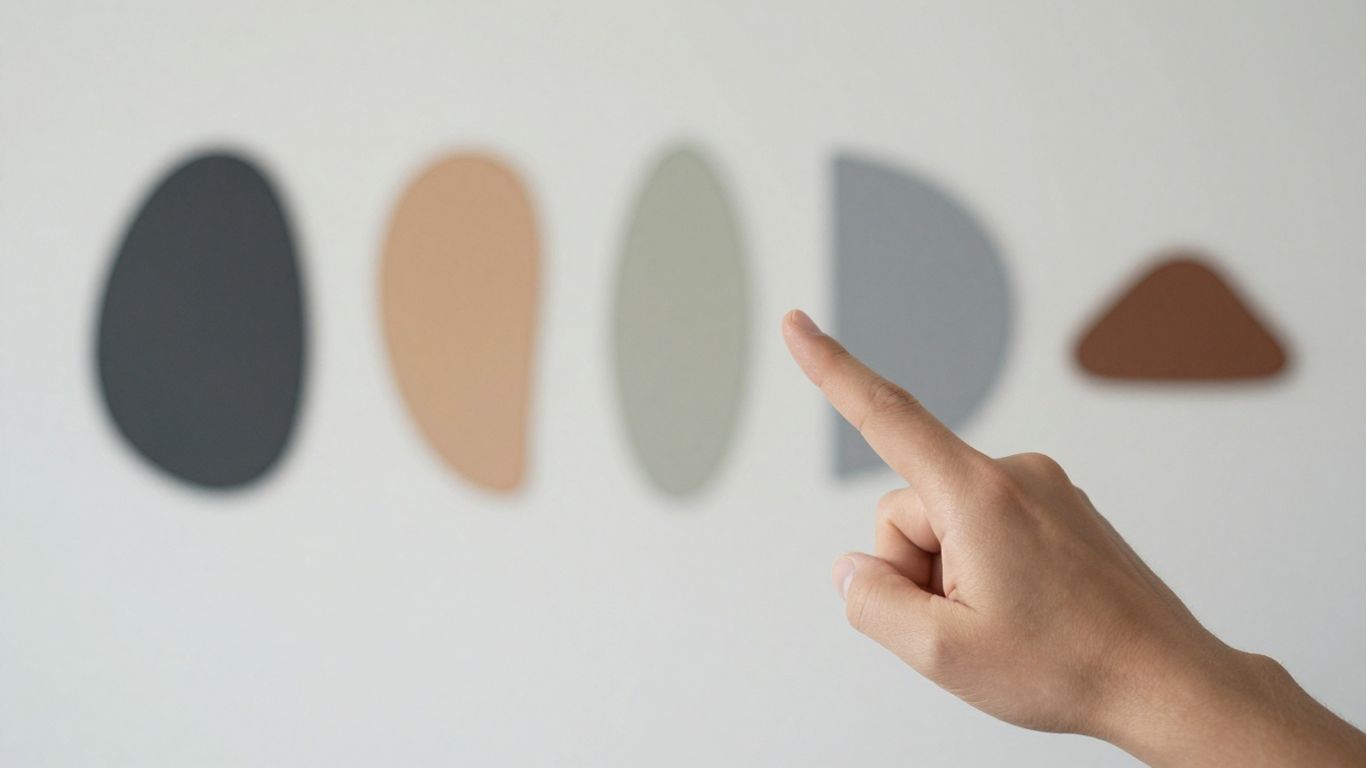
Abstract shapes and colors suggesting visual cues.

Visual cues are like signposts for your eyes, helping people notice and understand what’s important, especially when things are moving fast. Think about watching a cooking show; if the chef points to a specific spice or highlights an ingredient on screen, you know that’s the key thing to pay attention to. That’s visual cueing in action. It’s all about making information easier to grab onto.

Leveraging Luminance and Contrast

One simple way to make something stand out is by changing how bright or dark it is compared to its surroundings. This is called luminance and contrast. Imagine a dark room where only one object is lit up – your eyes go straight to it, right? We can use this in learning materials. Making a key element brighter or giving it a distinct color can draw attention without being too distracting. It’s like putting a little spotlight on the important bit.

Strategic Use of Arrows and Spotlighting

Arrows are pretty straightforward; they point. If you want someone to look at a specific part of an image or a video, an arrow can do the job. Spotlighting is similar, but instead of an arrow, it’s like dimming everything else around the important part, making that part pop. This is super helpful when you have a lot of information on screen and need to guide someone’s focus to just one or two things. For example, in a diagram showing how a machine works, arrows could point to the moving parts, and a spotlight could highlight the main gear.

Integrating Textual Cues Seamlessly

Sometimes, just seeing something isn’t enough; you need a little text to explain it. The trick is to put the text right where it makes sense, not off to the side in a separate box. If you’re watching a video about different types of birds, and the name of the bird appears right next to it on screen as it flies by, that’s good integration. It connects the word directly to the image. Putting text in a list somewhere else can make people jump their eyes back and forth, which can be tiring and confusing. So, keeping text close to what it’s describing is key.

When designing visual cues, think about what someone needs to see to understand. Don’t just add things because you can; add them because they genuinely help clarify the information. The goal is to make things clearer, not more cluttered.

Here’s a quick look at how different visual cues can be used:

  • Arrows: Pointing to specific elements.
  • Spotlights: Highlighting key areas by dimming surroundings.
  • Color Coding: Using different colors for different categories of information.
  • Text Labels: Short, descriptive words placed near the item they identify.
  • Bolding/Italics: Subtle emphasis within text cues.

Auditory Cues: Guiding Attention Through Sound

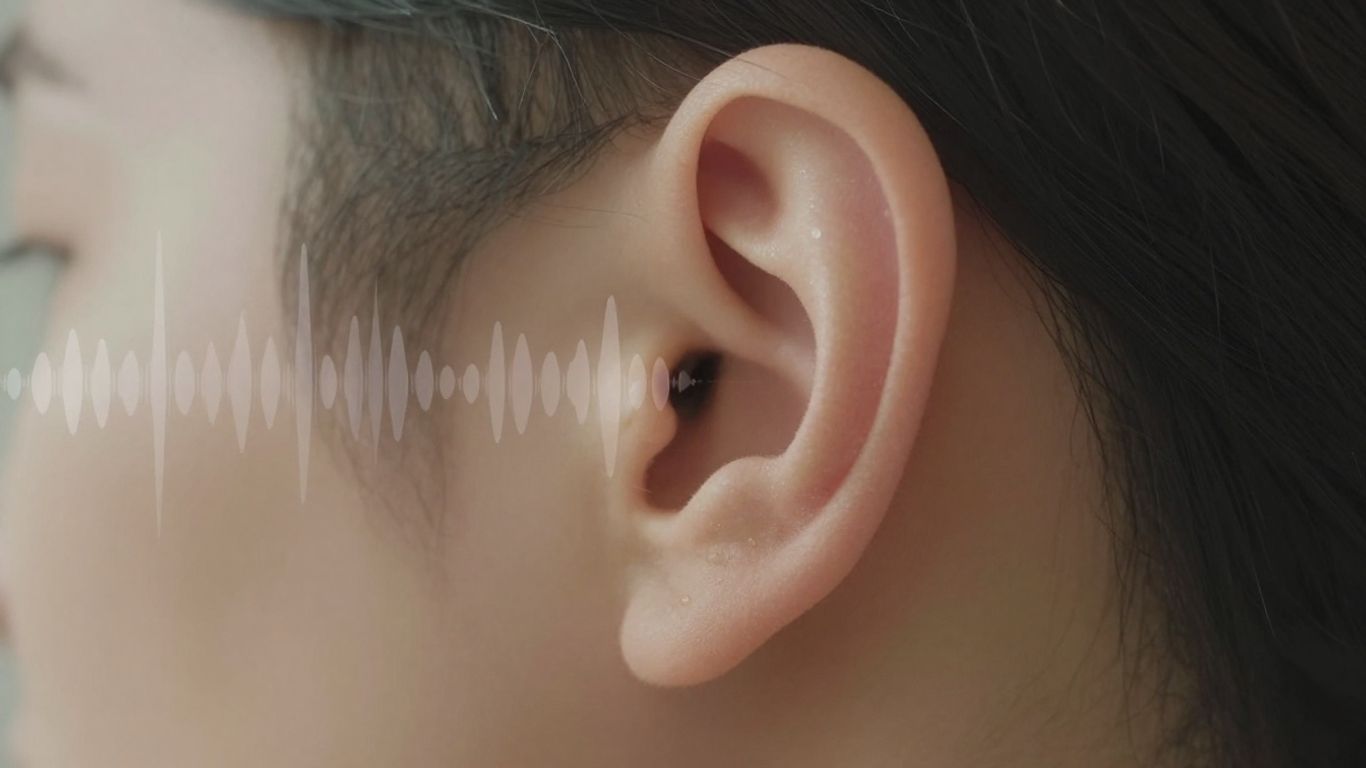
Ear with subtle sound waves emanating from it.

Sound can be a powerful tool for directing attention, especially when visual channels are overloaded or limited. Think about it – a sudden loud noise can make you jump, even if you don’t know where it’s coming from. This is the basic idea behind using auditory cues in design. They can alert us to important events or guide us toward something we need to see or interact with.

The Impact of Spatialized Audio

Spatial audio takes this a step further by making sounds seem like they’re coming from a specific direction. This is done using techniques that mimic how our ears naturally process sound from different locations. It’s not just about hearing a sound; it’s about knowing where it’s coming from, even if you can’t see the source. This is super helpful in virtual or augmented reality, where you might have things happening outside your direct line of sight. A sound coming from your left, for instance, can tell you to turn your head that way to see what’s going on.

  • Binaural cues: Differences in how sound reaches each ear (timing and loudness) help us pinpoint direction.
  • Monaural cues: These are cues processed by a single ear, like how the shape of your ear affects sound frequencies, which also contributes to locating sound sources.
  • Head movements: While we’re trying to avoid relying on this for immediate alerts, turning your head can refine your sense of where a sound is coming from.

Auditory Notifications for Critical Alerts

When something needs your immediate attention, like a warning in a factory setting or an approaching vehicle in a simulation, a well-designed auditory alert can be a lifesaver. The key here is speed and clarity. The sound needs to grab your attention fast and give you a good idea of the direction of the alert so you can react quickly. This is especially important in situations where you can’t afford to miss a visual cue or when visual information is scarce.

The goal is to create sounds that are noticeable without being jarring, and directional enough to guide action without requiring complex interpretation. It’s about making the sound work for the user, not against them.

Bridging Auditory and Visual Information

Often, the best approach combines sound and visuals. An auditory cue can act as the initial prompt, drawing your attention to a general area, and then a visual cue can provide the precise details. For example, a sound might indicate that something important is happening to your right, and then a flashing light or an arrow on a screen can pinpoint the exact object or location. This layered approach helps manage cognitive load, as the sound does the heavy lifting of initial attention-grabbing, freeing up your visual processing for more detailed tasks.

Here’s a quick look at how different sound characteristics can influence perception:

Sound Characteristic Effect on Perception
Loudness Can increase urgency and attention capture.
Pitch Can differentiate types of alerts.
Spatialization Provides directional information.
Timbre Can convey the nature or source of the sound.
Duration Shorter sounds for quick alerts, longer for sustained warnings.

Spatial Cues: Navigating Environments Effectively

When you’re trying to figure out where to go, especially in a new place or a complex virtual world, sound can be a surprisingly good guide. Spatial audio, which makes sounds seem like they’re coming from a specific direction, can help you turn your head or move towards something you can’t see yet. It’s like a subtle nudge, telling you, ‘Hey, something’s over there!’ This is super helpful when your view is limited, like when wearing a headset, or when you’re busy with a task and can’t constantly scan your surroundings.

Spatial Audio for Directional Guidance

Think about walking through a busy market or a factory floor. You might hear a warning beep coming from your left. Spatial audio makes that beep sound like it’s genuinely to your left, not just a generic alarm. This immediate sense of direction helps you quickly orient yourself. It’s not about pinpoint accuracy, but about giving you a general area to focus on. This is especially useful for things like avoiding collisions or noticing important alerts that are just outside your direct line of sight. It acts as an initial pointer, letting you know which way to look next.

Understanding the Cone of Confusion

Our ears aren’t perfect at telling us exactly where a sound is coming from, especially up-and-down or front-and-back. This is often called the "cone of confusion." Imagine a sound directly in front of you; it sounds the same whether it’s straight ahead, slightly up, or slightly down. Similarly, sounds to your left or right can be hard to distinguish if they’re at the same height. Spatial audio tries to overcome this, but there’s still some guesswork involved. This means that while sound is great for telling you ‘left’ or ‘right,’ it’s less reliable for ‘up’ or ‘down’ without other clues.

Combining Spatial Audio with Visual Landmarks

Because of that "cone of confusion," relying on sound alone isn’t always enough for precise direction. That’s where visual cues come in. Imagine hearing that beep from the left, and then seeing a flashing light or a sign in that same direction. The combination is much more powerful. The sound gets your attention and points you generally, and the visual cue confirms it and gives you the exact spot. This mix of sound and sight helps you lock onto your target much faster and more accurately, making it easier to get where you need to go or react to what’s happening.

Tactile and Object-Based Cueing Strategies

Sometimes, the best way to get someone’s attention or guide them is by using touch or by giving them something to hold. These methods can be really effective, especially when other types of cues might not work as well.

The Nuances of Tactile Prompts

Tactile prompts involve using touch to guide or signal. Think of a gentle tap on the shoulder to let someone know it’s their turn, or a light touch on their hand to guide it towards an object. The key is to be consistent and gentle. If a specific touch always means "your turn," the person will start to anticipate it. It’s about building a language through touch. For instance, a light pressure on the forearm might signal a transition, like moving from one activity to the next. It’s a subtle way to communicate without words, and it can be incredibly useful for people who are easily distracted or who benefit from direct physical guidance.

Object Cues as Tangible Symbols

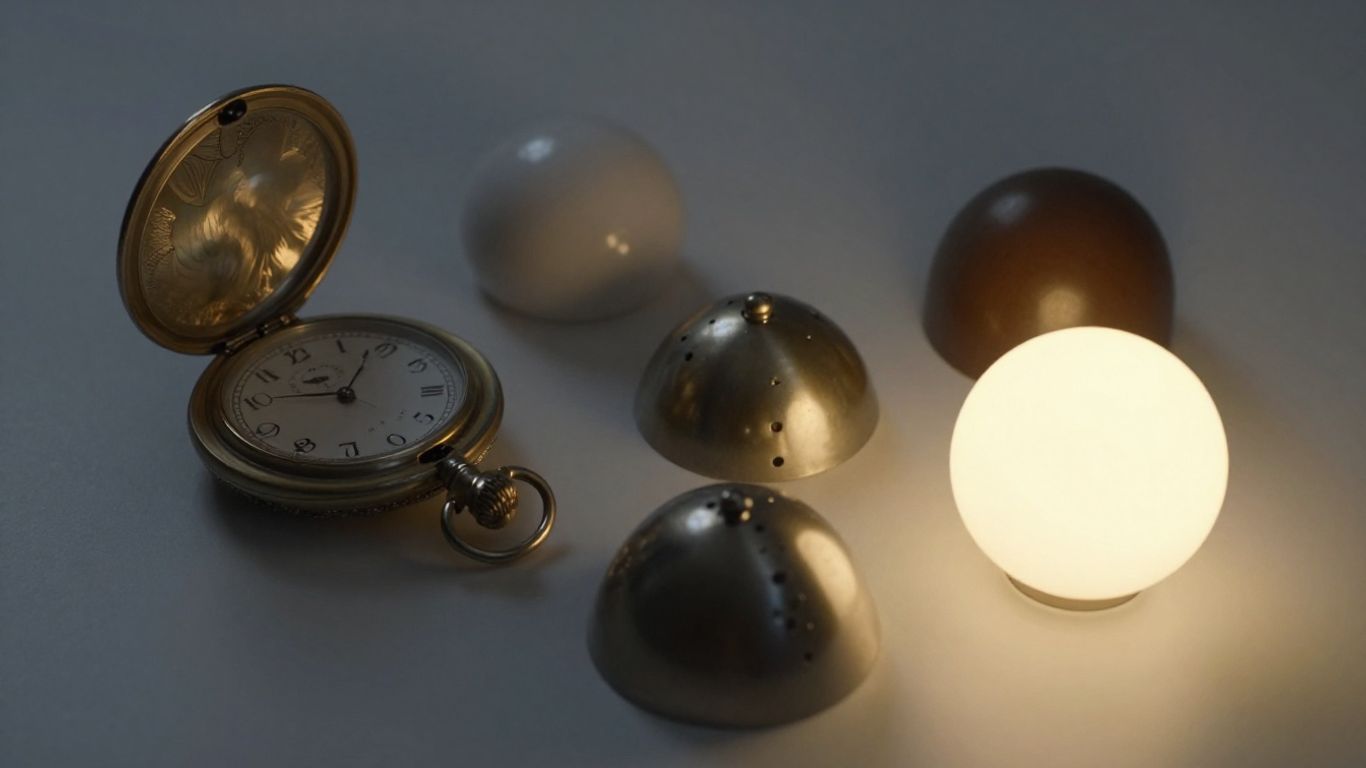
Object cues, sometimes called tangible symbols, use real objects or parts of objects to represent an activity or a concept. It’s like having a mini-representation of what’s coming next. For example, a spoon could mean "mealtime," or a small toy car might represent "going for a ride." This is particularly helpful for individuals who are still learning to understand pictures or abstract symbols. Having a physical object to interact with makes the meaning much clearer.

Here’s how you might set up a simple object cue schedule:

  • Morning Routine:
    • Toothbrush: Brushing teeth
    • Bowl and Spoon: Breakfast
    • Book: Reading time
  • Afternoon Activities:
    • Ball: Playtime
    • Crayon: Art activity
    • Coat: Going outside

These objects can be placed in a line or on a board to show the sequence of events for the day. It gives a clear, physical roadmap of what to expect.

Hand-Under-Hand Support Techniques

When physical guidance is needed, the way you offer that support matters a lot. Hand-under-hand support is a technique where you place your hand underneath the person’s hand. This allows them to feel your touch and guidance, but they remain in control of their own movement. It’s different from hand-over-hand, where you might take over their hand completely. With hand-under-hand, the person can still see what’s happening, feel the texture of objects, and learn by doing, rather than just being moved. It respects their autonomy and encourages active participation. Think of it as offering a helping hand without taking the reins entirely. This method is often used when teaching a new motor skill, like using utensils or dressing oneself. It provides just enough support to make the action possible while still allowing the individual to learn and practice the movement themselves.

The goal with any cueing strategy, especially tactile and object-based ones, is to build understanding and independence. It’s about providing just enough support to help someone succeed, and then gradually reducing that support as they become more confident. Consistency and a gentle approach are your best tools here.

Optimizing Cue Design for Learning and Performance

So, we’ve talked about different kinds of cues – visual, auditory, spatial, even tactile ones. But how do we actually make them work best for people trying to learn something new or get better at a task? It’s not just about adding a cue; it’s about adding the right cue, at the right time, in the right way. The goal here is to help people learn without overwhelming them.

Minimizing Cognitive Load with Cues

Think of cognitive load like your brain’s to-do list. If it gets too long, things start to fall off. Cues can help by pointing out what’s important, so people don’t have to spend all their mental energy just figuring out where to look or what to pay attention to. This is especially true when dealing with fast-moving information, like in a video. If you’re trying to learn a new skill by watching someone do it, and there are a million things happening at once, it’s easy to miss the key steps. Good cues act like a helpful friend whispering, "Hey, look at this part!" This frees up brainpower for actually understanding and remembering.

  • Cues should guide attention to relevant information.
  • They help reduce the need for extensive visual searching.
  • This allows learners to focus on processing and making connections.

Sometimes, though, cues can backfire. If you put too many cues, or if they’re not placed well, they can actually become a distraction. It’s like having too many people talking at once – you can’t hear anything clearly. The trick is to be selective. For example, instead of highlighting every single word on a screen, maybe just highlight the key terms when they appear in a video. This way, the cue is right there when you need it, and it doesn’t clutter up the rest of the information.

The sweet spot for cue design is finding that balance where cues support attention without becoming a burden themselves. It’s about making the important stuff stand out just enough to be noticed, but not so much that it pulls focus away from the overall learning objective.

The Role of Situational Interest

People learn better when they’re actually interested in what they’re doing. This is called situational interest. If someone is already curious about a topic, they’re more likely to pay attention and put in the effort. Cues can sometimes help bridge the gap for people who aren’t naturally interested. For instance, if a learner isn’t particularly engaged with a video about teaching methods, clear cues pointing out specific strategies might give them a reason to focus. It gives them a concrete thing to look for, which can spark their attention and lead to noticing more details. Without those cues, they might just drift off.

Here’s a simple way to think about it:

  • High Situational Interest: Learners are naturally engaged and may not need as much cueing. They’re already looking for connections.
  • Low Situational Interest: Cues can act as a prompt, directing attention and potentially sparking engagement by highlighting specific elements to focus on.
  • Cue Effectiveness: Cues might be more impactful for learners with lower situational interest, helping them overcome a lack of initial engagement.

Fading Cues for Independent Action

The ultimate goal of using cues is usually to help someone become independent. You don’t want people to rely on those helpful whispers forever. So, a smart design involves gradually reducing or removing the cues as the learner gets more comfortable and skilled. This process is called "fading." It’s like training wheels on a bike – you use them to get started, but eventually, you take them off so the rider can pedal on their own. The idea is to build confidence and competence until the learner can perform the task without needing constant prompts. This might involve making cues less obvious over time, or only presenting them in more challenging situations. The aim is to transfer the skill from being cue-dependent to being self-directed.

Want to make learning easier and help people do better? We’ve got tips on how to design cues that really work. These simple tricks can make a big difference in how well people learn and perform tasks. Ready to see how effective design can be? Visit our website to learn more!

Putting It All Together

So, we’ve looked at how different kinds of cues – the visual ones, the sounds, and even where things are in space – can really help people learn and do things. It’s not just about making things look pretty or sound nice; it’s about making information clear and easy to grab. Whether it’s a gentle tap, a specific sound, or an object that means something, these signals guide us. They help us know what’s coming next and how to respond. When we design these cues thoughtfully, we’re not just adding details; we’re building clearer paths for understanding and action. It’s about making sure everyone, no matter their situation, can connect with the information they need. By paying attention to these small but mighty signals, we can create environments that are more supportive and easier to navigate for everyone.

Frequently Asked Questions

What exactly are cues, and why are they important?

Think of cues as little hints or signals that help people know what’s coming next or what they should pay attention to. They’re super useful because they can make things clearer and help us learn or do tasks better. For example, a bell ringing might signal that it’s time to switch activities, or a bright light flashing could draw your eye to something important.

How can visual cues help us understand things better?

Visual cues are like signs you can see. Using bright colors, pointing arrows, or even just highlighting something can grab your attention and show you where to look or what to focus on. Sometimes, adding a few words can make it even clearer. It’s all about making information easy to see and understand at a glance.

What’s the deal with auditory cues and sound?

Auditory cues use sound to get our attention. Imagine hearing a specific chime that means a new message has arrived, or a sound that tells you which direction to go. These sounds can guide you, alert you to important things, and even work together with what you see to give you a fuller picture.

How do spatial cues help us navigate?

Spatial cues use sound or other signals to help you figure out where things are in a space. Think about how sound can seem to come from a specific direction – that’s spatial audio helping you find your way. It’s like having a sound map that guides you, especially when you can’t see everything clearly.

Are there other types of cues besides sight and sound?

Yes, definitely! You can also use touch (tactile cues) by gently guiding someone’s hand or tapping them to get their attention. Objects themselves can also be cues; for instance, holding up a spoon might signal that it’s time to eat. These different types of cues can be really helpful, especially when someone might not understand visual or auditory signals easily.

How can we make sure cues are used effectively for learning?

To make cues work best, they need to be clear and used the same way every time. It’s also important not to give too many cues at once, so people don’t get overwhelmed. The goal is to help someone learn and become more independent, so we should gradually give less help (fade the cues) as they get better at doing things on their own.