
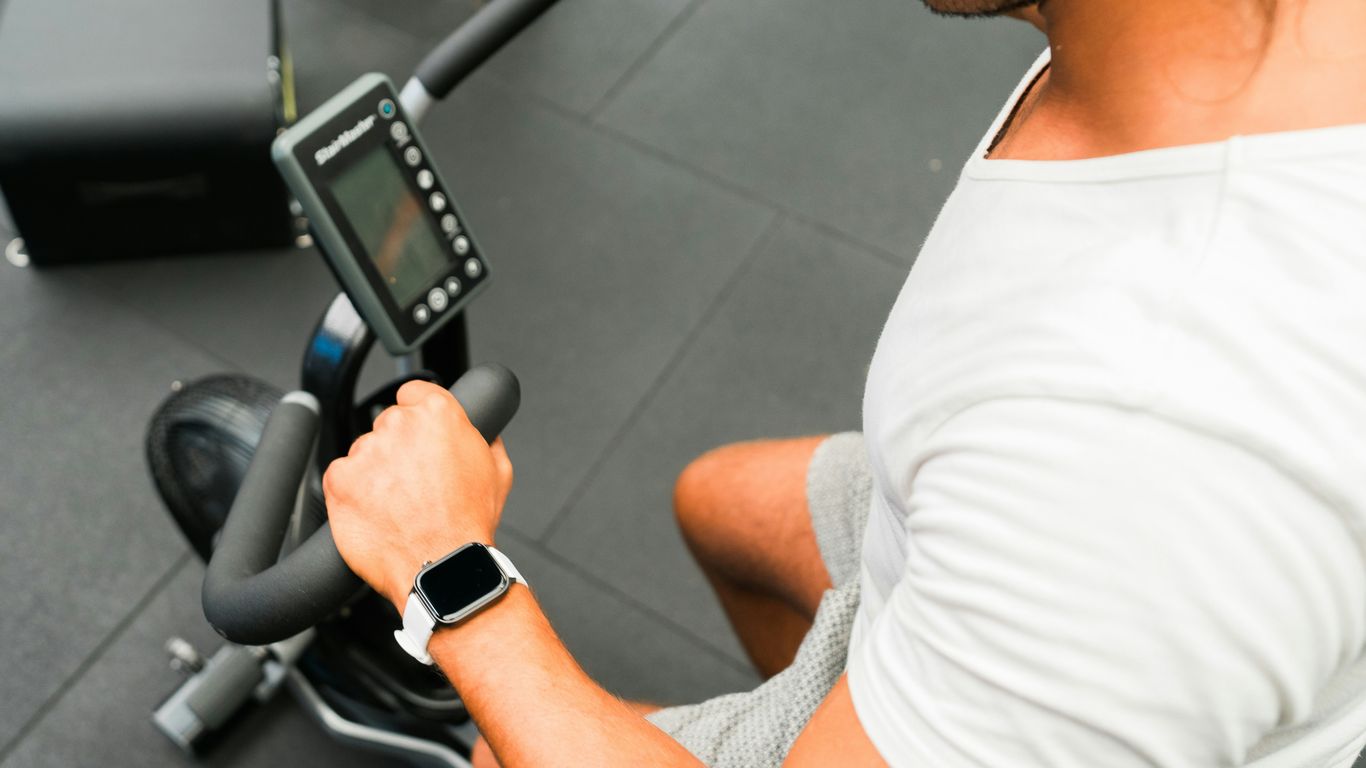
A wearable is most useful when you watch trends, not single readings. Use your weekly average for steps, your seven-day pattern for sleep and your personal HRV baseline to decide whether today is a push day, a normal day or an easy day, and always check the numbers against how you actually feel.
This guide explains what HRV, steps and sleep scores can and cannot tell you, gives a simple decision table and shows how to keep tracking from turning into stress.

How accurate is your wearable?
Accuracy varies by metric. A large systematic review of consumer devices found that steps and heart rate were measured accurately in lab settings by several major brands, while no brand measured energy expenditure (calories burned) accurately. That gives a useful rule of thumb:
| Metric | How much to trust it | Best use |
|---|---|---|
| Steps | Fairly reliable | Weekly averages and trends |
| Heart rate | Reasonable, varies by device | Resting heart rate trends, effort during workouts |
| HRV | Useful as a personal trend only | Comparing you to your own baseline |
| Sleep stages | Rough estimate | Total sleep time and bedtime consistency |
| Calories burned | Not reliable | Ignore for food decisions |
The calorie number is the one most likely to cause trouble. Eating back “burned” calories based on an overestimate can quietly stall weight loss, so treat that figure as entertainment, not data.
HRV: your recovery trend, not a grade
Heart rate variability is the variation in time between heartbeats. Harvard Health explains that HRV tends to be lower when the body is in fight-or-flight mode, and that stress, poor sleep, an unhealthy diet and lack of exercise can all disrupt it. The same article cautions that there are open questions about the accuracy and usefulness of tracking HRV, and advises against being overconfident about a high reading or overly worried about a low one.
How to use HRV sensibly
- Find your baseline. Wear the device consistently for two to three weeks before drawing any conclusions. Your normal is what matters, not someone else’s number.
- Measure the same way each time. Most devices take HRV overnight or first thing in the morning. Do not compare a morning reading with an afternoon one.
- Look for patterns over several days. One low reading after a late night means little. Several days well below your baseline is worth noticing.
- Ask what changed. Short sleep, a heavy workout, illness coming on, a stressful week or a late, large meal can all lower HRV.
Steps: aim for a range, not a magic number
The famous 10,000-step target was not based on strong evidence. A meta-analysis of 15 international studies found that risk of death kept falling as daily steps increased up to about 6,000 to 8,000 steps for adults 60 and older and about 8,000 to 10,000 steps for younger adults. That is a helpful range, and any increase from a low starting point counts.

Practical step strategy
- Check your average for the past two weeks. That is your starting point.
- Add about 500 to 1,000 steps a day to that average and hold it for a couple of weeks before adding more.
- Use your weekly average as the goal so one desk-bound day does not feel like failure.
- Attach walks to existing routines: after meals, during phone calls, or parking farther away.
Sleep: focus on time and consistency
Wearables estimate sleep stages from movement and heart rate, so treat “deep” and “REM” percentages loosely. Total sleep time and a regular schedule are more dependable signals. Mayo Clinic recommends going to bed and getting up at the same time every day, including weekends, and aiming for at least seven hours.
- Use your device to spot patterns, such as later bedtimes on certain nights or shorter sleep after evening screen time.
- If your sleep score is low but you feel rested, believe your body.
- If you feel exhausted despite “good” scores, the score is not the full story.
Resting heart rate: the quiet helper
Resting heart rate is often easier to interpret than HRV. Most devices record it overnight. Once you know your usual range, a reading that sits noticeably above it for a few days can be an early sign that you are under-recovered, short on sleep, stressed or coming down with something. Over months of regular activity, many people see their resting heart rate drift slowly downward. As with HRV, compare only to yourself and look for trends rather than single readings.
A five-minute weekly review
- Note your average daily steps for the week and compare it with last week.
- Check your average sleep time and how many nights you went to bed within about 30 minutes of your target.
- Glance at your HRV and resting heart rate trend lines, not individual days.
- Write one sentence about how you felt overall.
- Choose one small adjustment for next week, such as an earlier bedtime twice a week or a walk after lunch.
A simple daily decision table
Combine your numbers with how you feel. When they disagree, how you feel wins.
| What you see | How you feel | Today’s plan |
|---|---|---|
| HRV near or above baseline, 7+ hours of sleep | Good energy | Go ahead with your planned harder workout |
| HRV slightly low, sleep a bit short | Okay | Do the workout at moderate effort or shorten it |
| HRV well below baseline for several days | Tired, sore or run-down | Easy walk, stretching or a rest day; prioritize sleep |
| Numbers look fine | Unwell, feverish or unusually exhausted | Rest; the device does not override symptoms |
Having a short backup routine ready makes the easy-day option simple. See minimum viable workout templates for ideas.
Keep it data, not drama

Tracking helps when it informs choices and hurts when it drives anxiety. Signs it is tipping into drama:
- Checking your app many times a day
- Feeling guilty or anxious over a single low score
- Lying awake worried about your sleep score
- Exercising when sick or injured to “close the ring”
If that sounds familiar, set a check-in schedule. Look at sleep and HRV once in the morning and review steps weekly. Data cadence: how often to check steps, sleep and weight walks through a calm rhythm. You can also turn off non-essential notifications or take the device off for a weekend.
When to check with a professional
A wearable is not a medical device. Talk to your doctor if you notice a resting heart rate that stays unusually high or low, irregular-rhythm alerts, chest pain, dizziness or shortness of breath, or ongoing poor sleep or daytime sleepiness despite good habits. If tracking food, exercise or body data is causing distress or compulsive behaviour, speak with a healthcare provider or contact NEDIC.
Quick takeaways
- Trust steps and heart rate more than sleep stages; ignore calories burned for food decisions.
- Compare HRV only to your own baseline and look for multi-day trends.
- Aim for a step range that fits your age and build up gradually from your current average.
- Prioritize total sleep and a consistent schedule over sleep-stage percentages.
- When data and feelings disagree, follow how you feel.
- Check your data on a schedule, not all day.